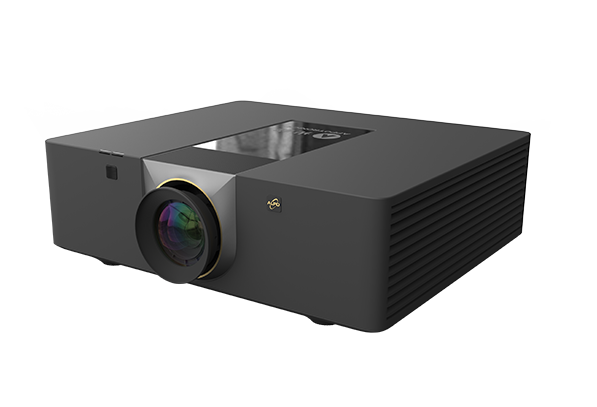

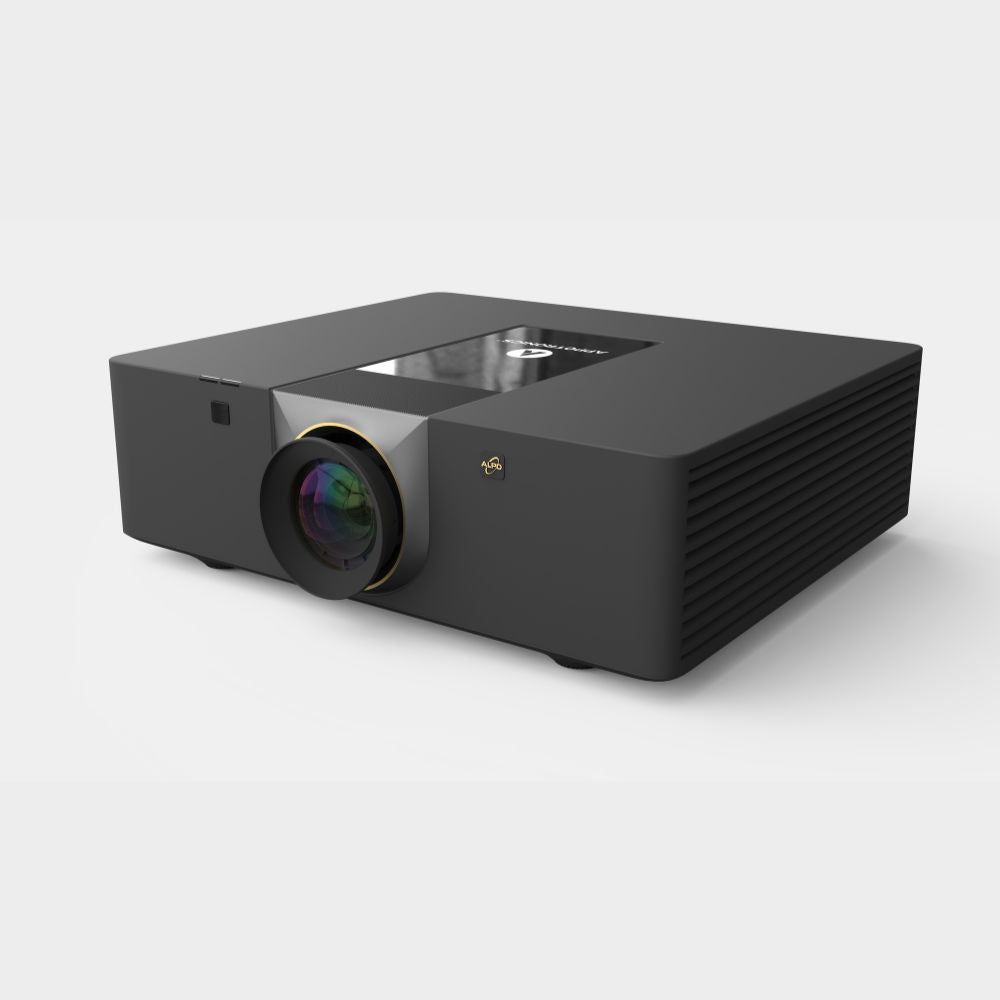
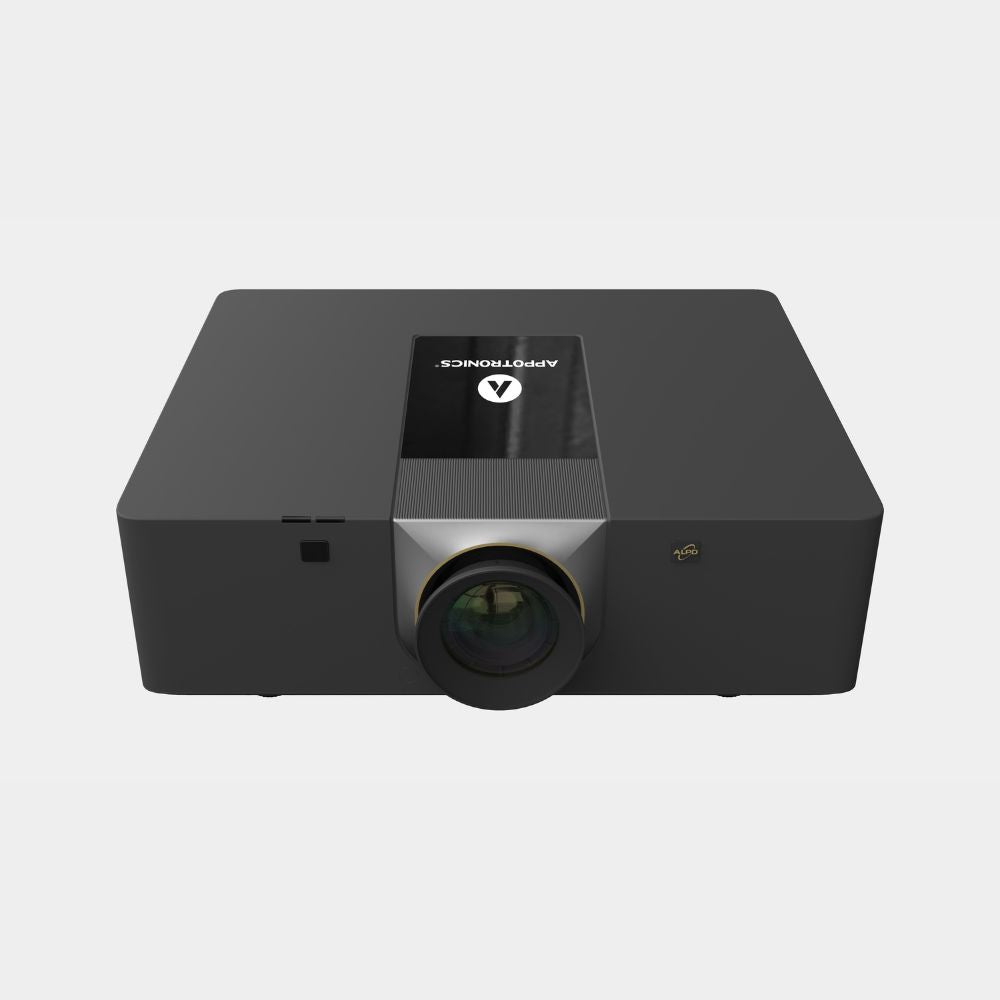
Smooth, Lag-Free Picture

MEMC motion compensation and AI image enhancement keep every shot smooth and sharp at very low latency, so your ball flight appears on screen the moment you hit.

Fits Any Screen

Keystone, 9-point curved surface and multi-point correction let you fit the image perfectly to flat, curved and non-standard simulator screens.

Built for Tough Conditions

Patented internal cooling keeps it stable in hot garages and sheds, while an IP6X dustproof optical engine and 20,000-hour laser mean years of maintenance-free play.

Product details

Features of the Appotronics HD 6500 Projector
  • 6,500 lumens, ALPD laser light source
  • 1080p 1920 x 1080 resolution, accepts 4K 60Hz input
  • Interchangeable lenses (four available, including short throw and standard)
  • Low-latency picture with MEMC and AI image enhancement
  • Keystone, curved surface and multi-point correction
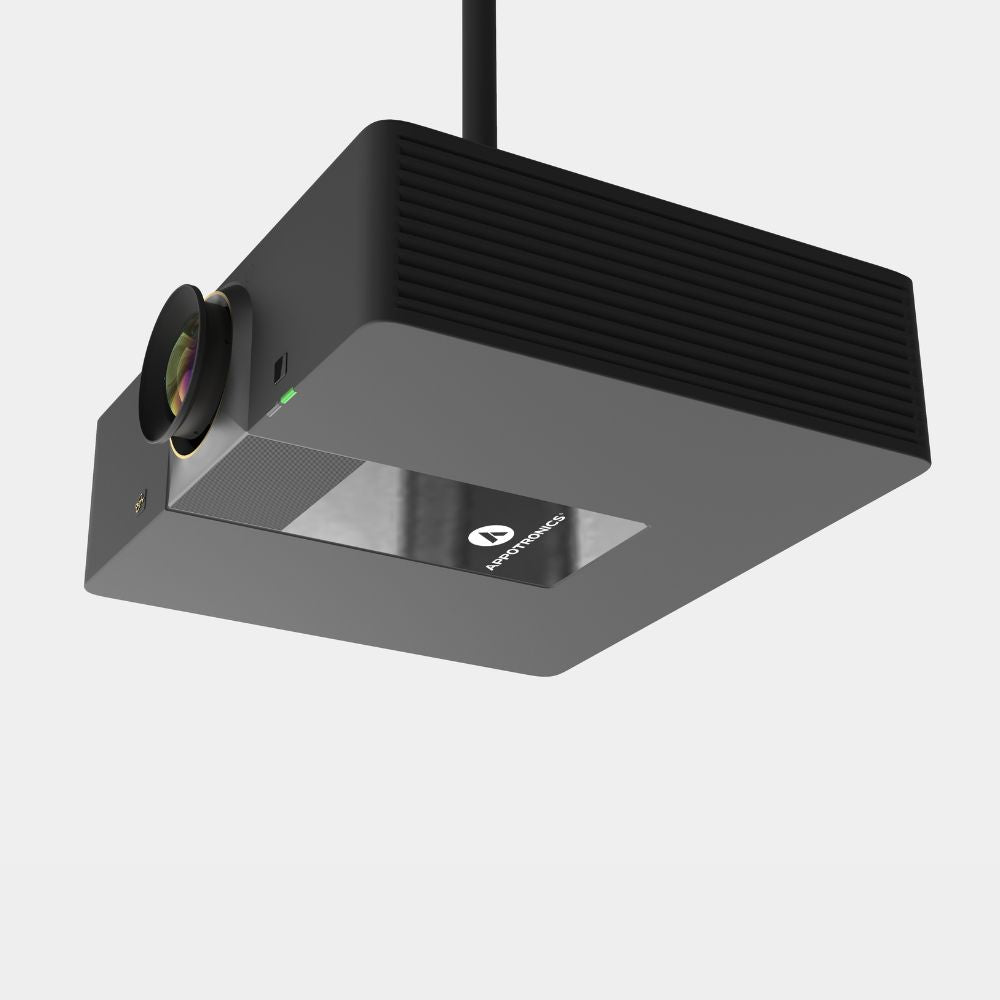
  • Motorised lens shift and 360° installation
  • IP6X dustproof engine, patented cooling and 20,000-hour laser
Specifications
  • Brightness: 6,500 lumens (ISO)
  • Resolution: 1080p 1920 x 1080
  • Display: single-chip DLP, 0.47" DMD
  • Light source: ALPD laser phosphor, 20,000 hours
  • Contrast: native 1,300:1 or more, full on/full off 100,000:1 or more
  • Brightness uniformity: 95% or more
  • Colour gamut: 100% Rec.709
  • Input resolution: 4K 60Hz, 1080p 120Hz
  • Lens options: 0.5 fixed, 0.7 to 0.9, 1.0 to 1.6, 1.54 to 2.48
  • Lens shift: vertical ±50%, horizontal ±20% (motorised)
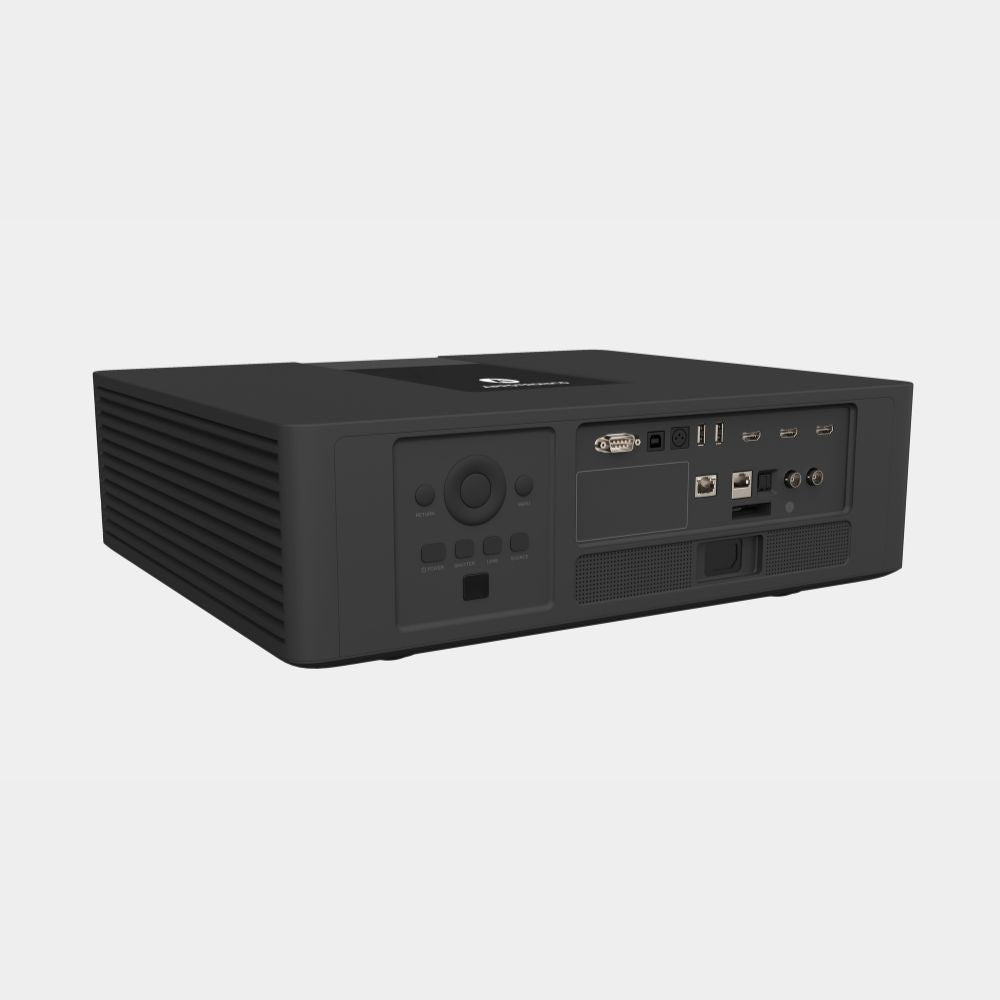
  • Inputs and outputs: 2 x HDMI in, HDMI out, HDBaseT, 2 x USB-A, S/PDIF audio out
  • Control: LAN, RS232, USB-B, 3D sync
  • Power consumption: 550W typical
  • Noise: 36dB (standard)
  • Operating temperature: 0 to 40°C
  • Dimensions: 460mm x 388mm x 138mm (excluding lens)
  • Weight: 12.5kg (excluding lens)
Resources
  • Appotronics Lens Calculation tool (appotronicsglobal.com/lenstool)

FAQs

Please read our FAQs page to find out more.

Which lens should I choose?

Choose the Short Throw lens if you want the projector behind the golfer on a shorter throw, or the Standard lens if you plan to ceiling mount it further back. Check Throw & Placement, or contact our team for help.

Is it bright enough for my simulator room?

Yes. At 6,500 lumens it is one of the brightest options in our range and handles ambient light well.

How far from the screen does it need to be?

See Throw & Placement for distances at common screen widths. These assume the image fills the full width of your screen. For 4:3 or 1:1 screens, or if you are unsure, contact our team and we will work out the right position for your room.

Will it work with GSPro, E6 Connect and my launch monitor software?

Yes. Your simulator software runs on your PC and the projector simply displays it over HDMI, so it works with every golf simulator platform.

Can I change the lens later?

Yes. The lens is interchangeable, so it can be swapped if your room setup changes. Contact our team to order a different lens.