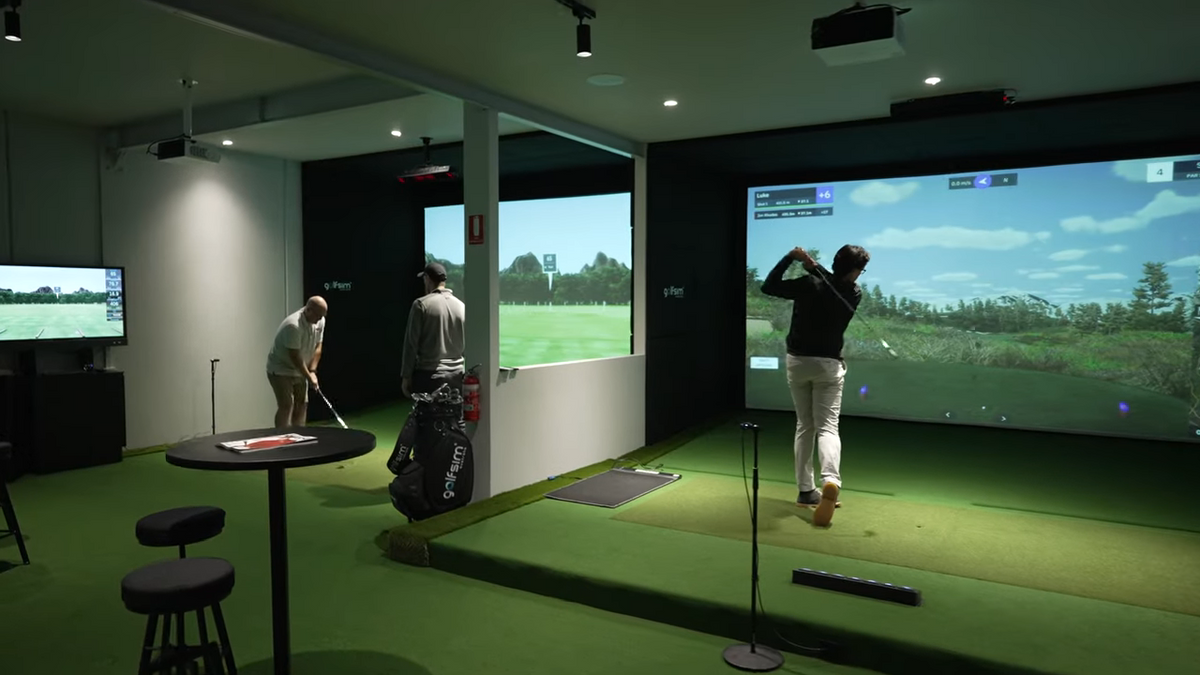



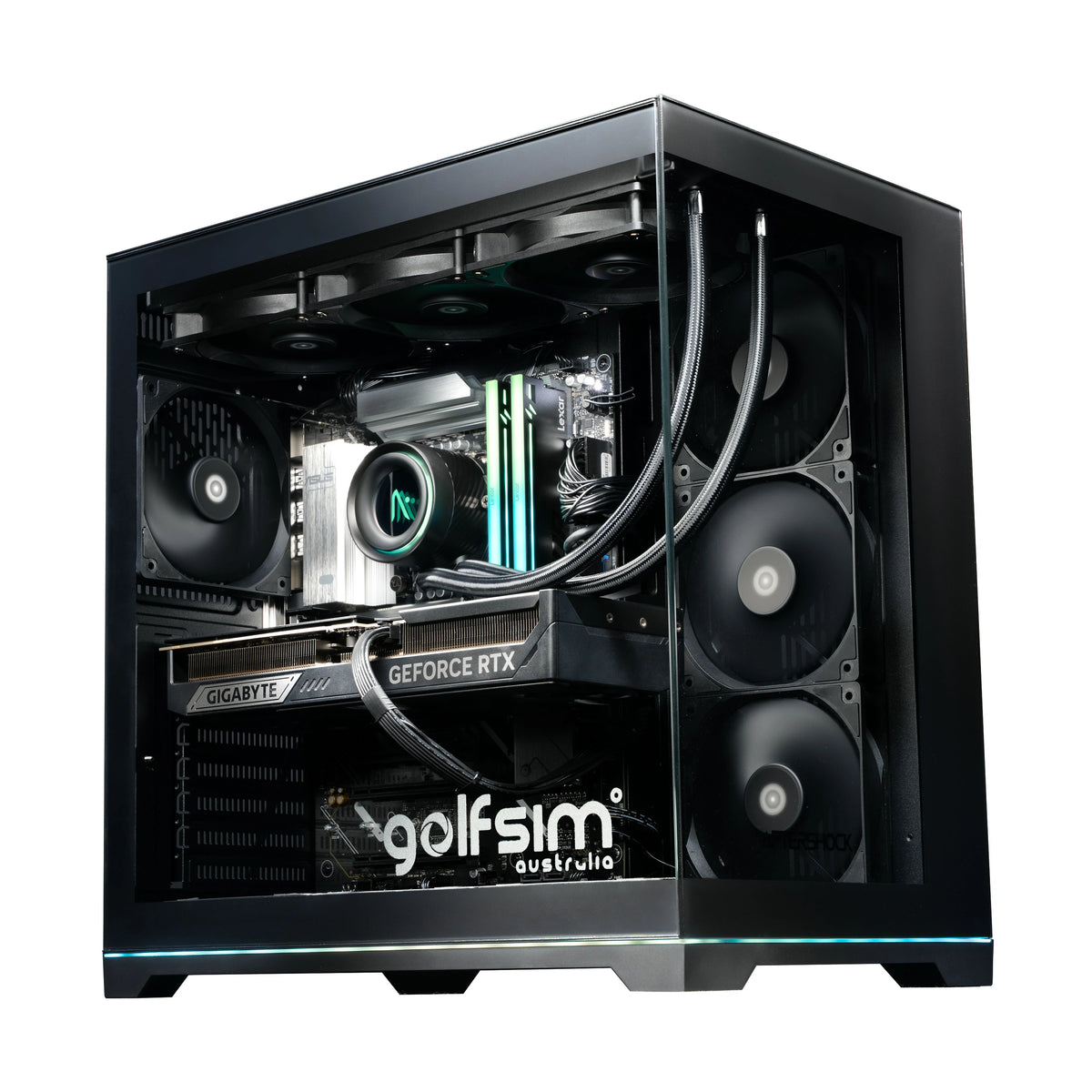
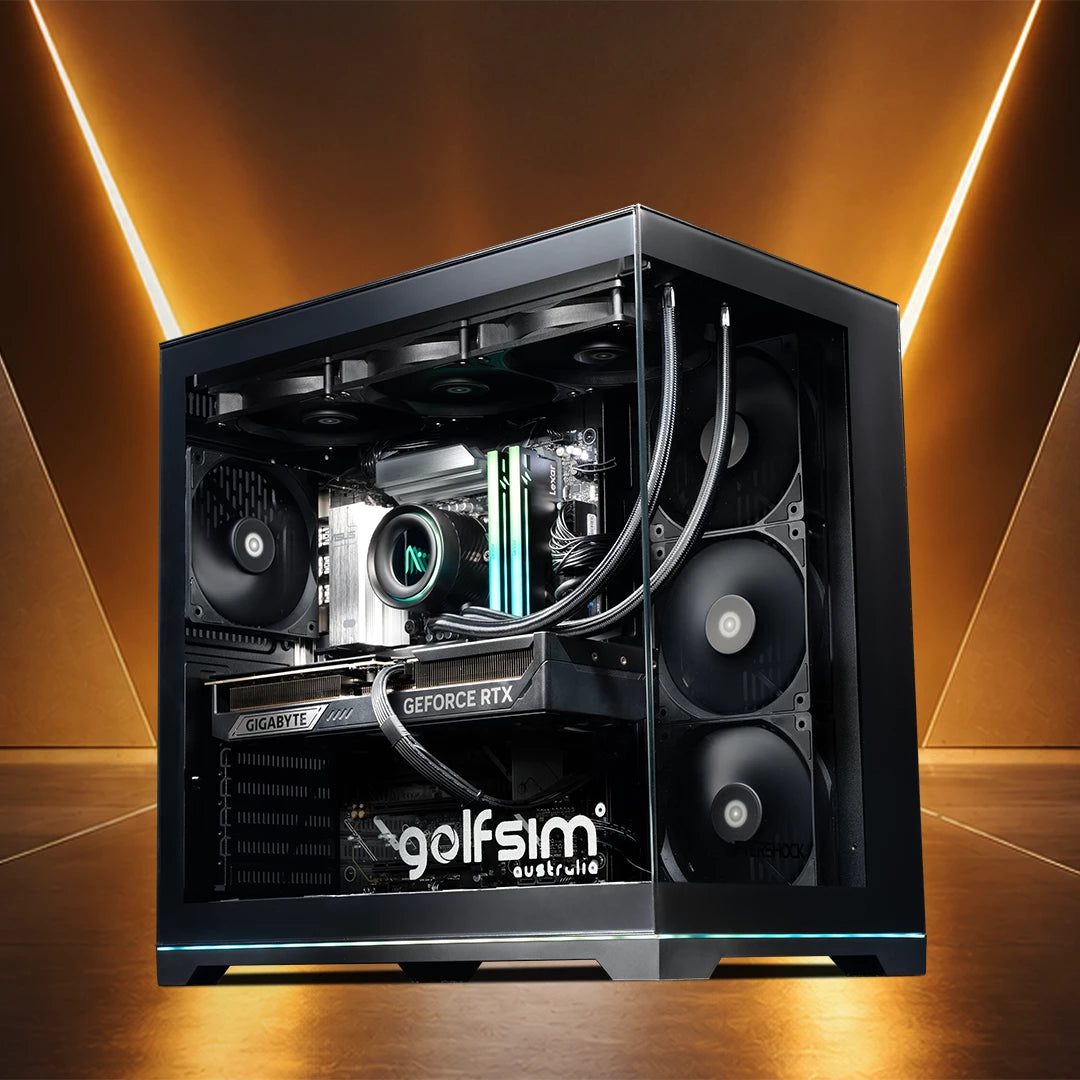
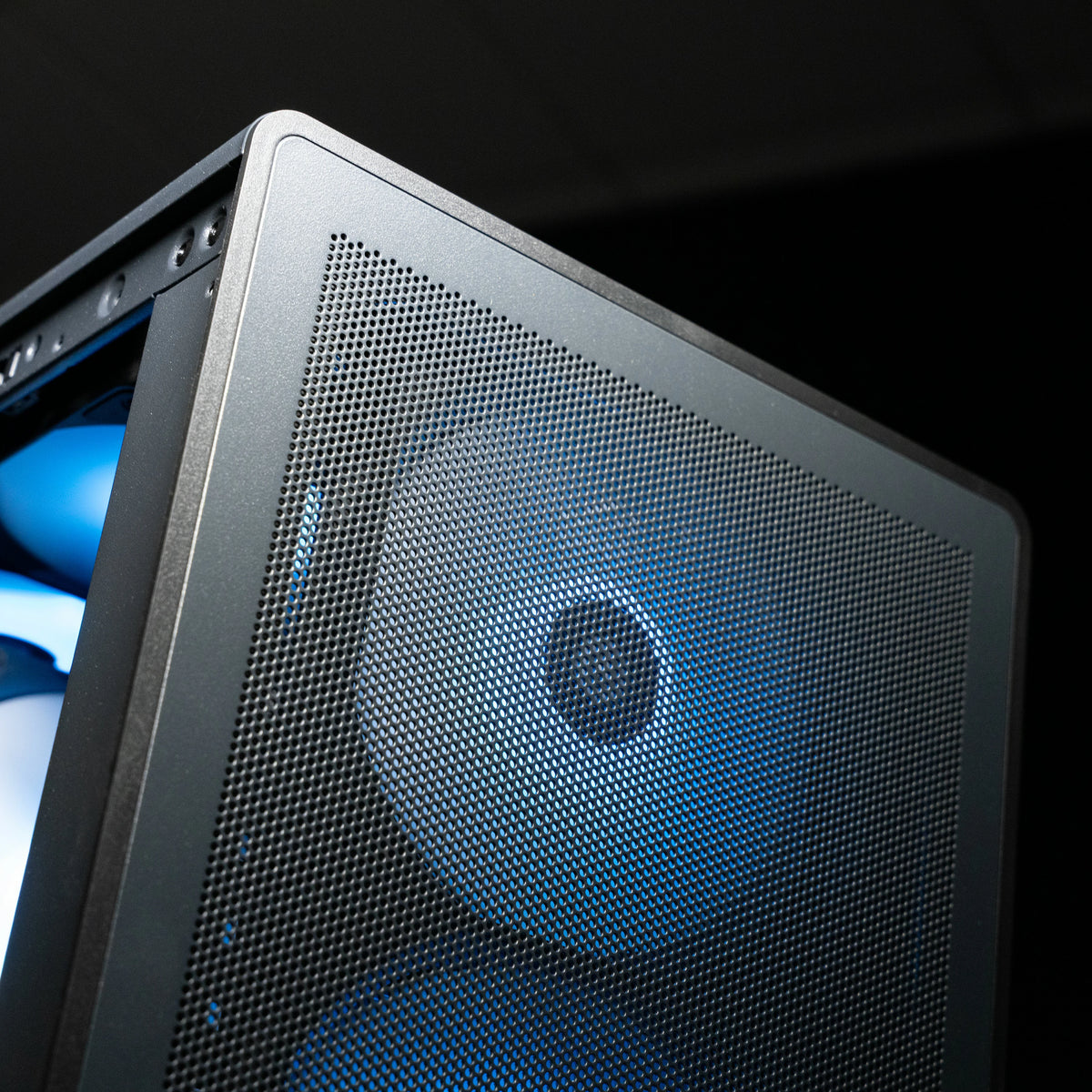
Shop gaming PCs configured for golf simulator software, plus touch screens and cabling to complete your setup. Our Golfsim Core, Tour and Elite PCs are set up and tested by our team before they ship.
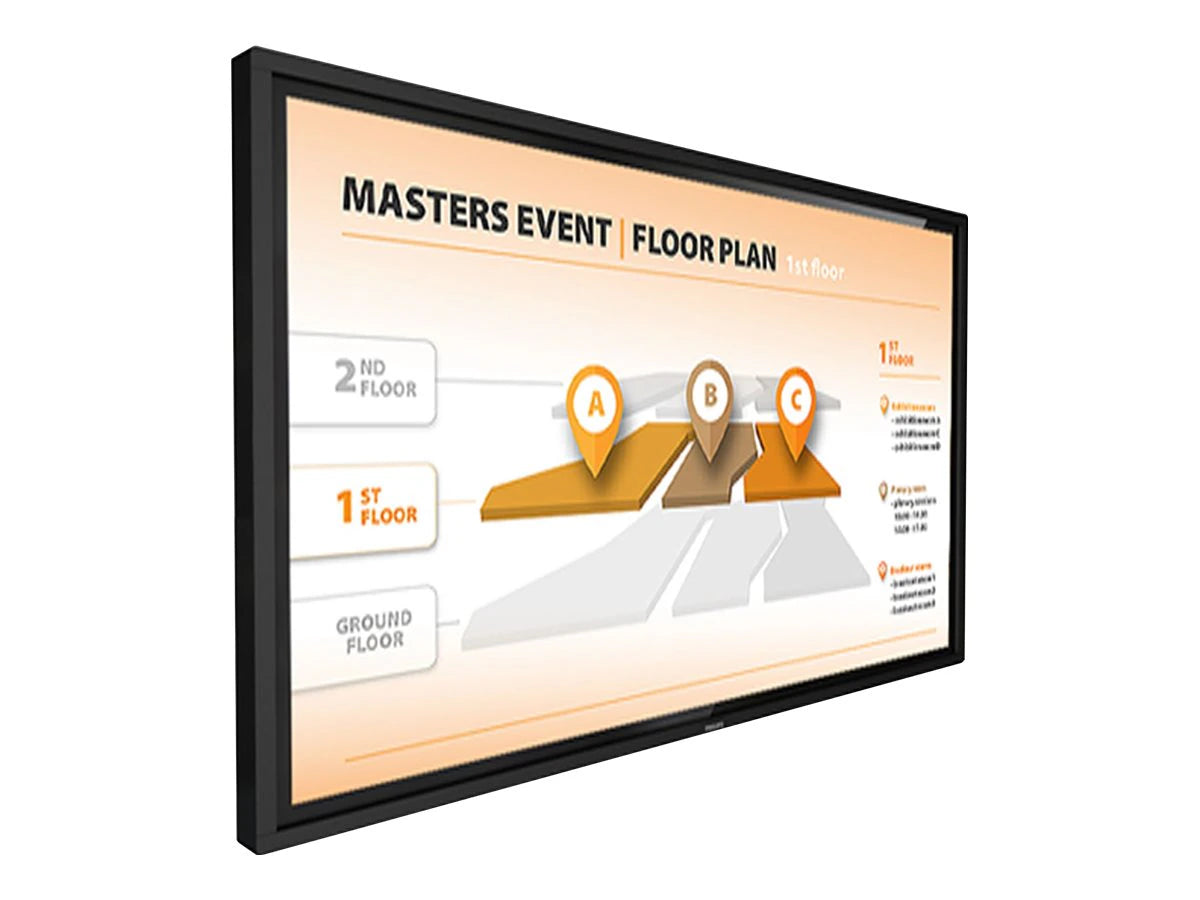
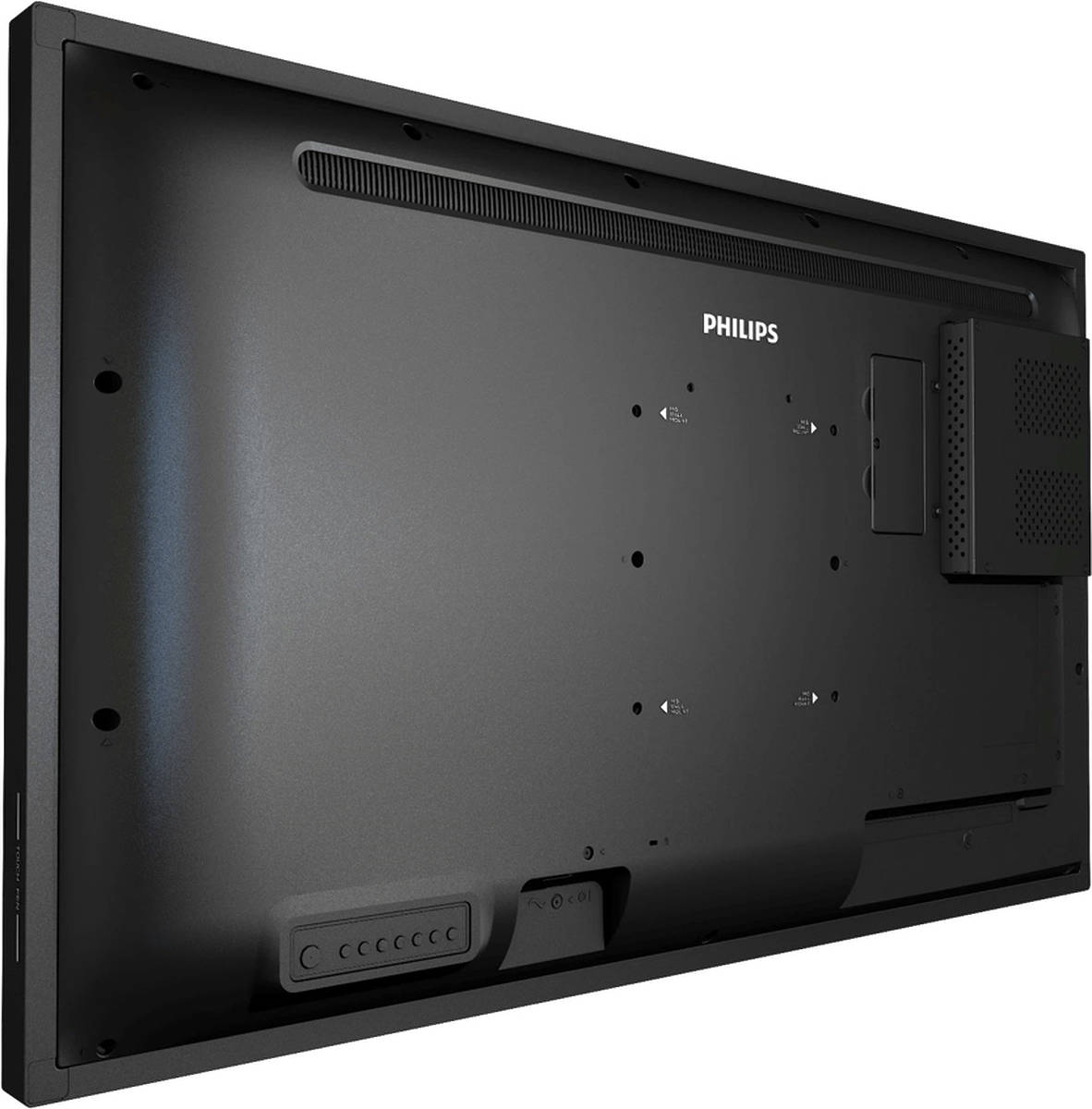
Philips 43" Multi-Touch 4K Display 43BDL3751T
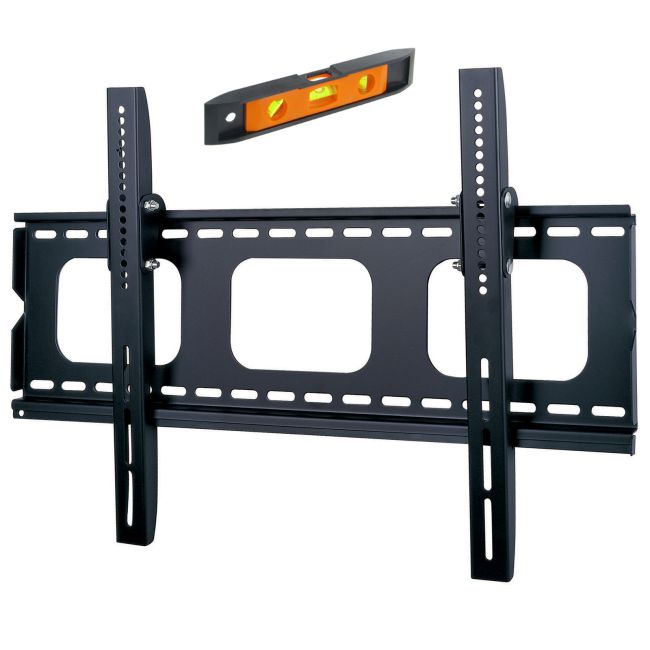
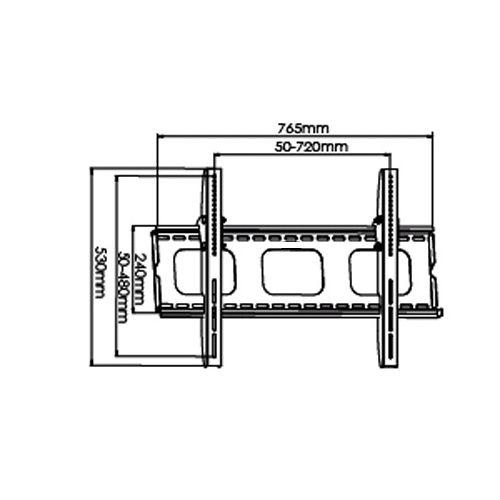
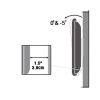
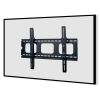
37 - 80 Inch Universal Heavy Duty Wall Mount
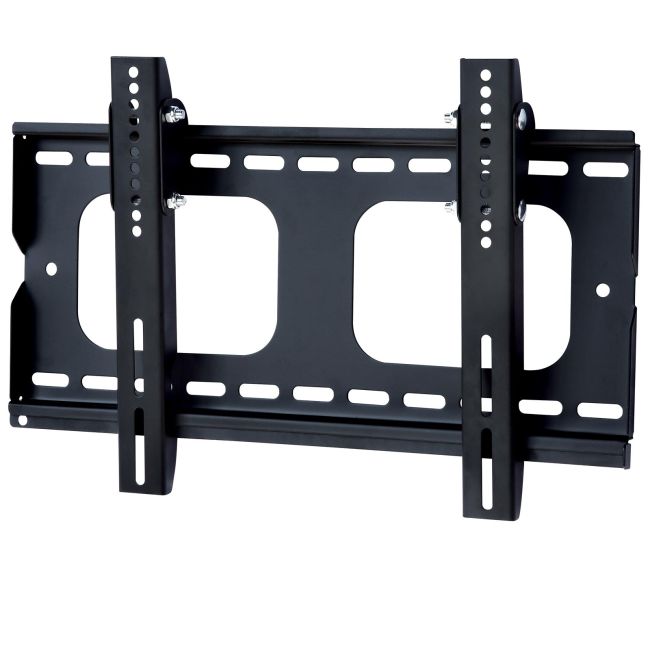
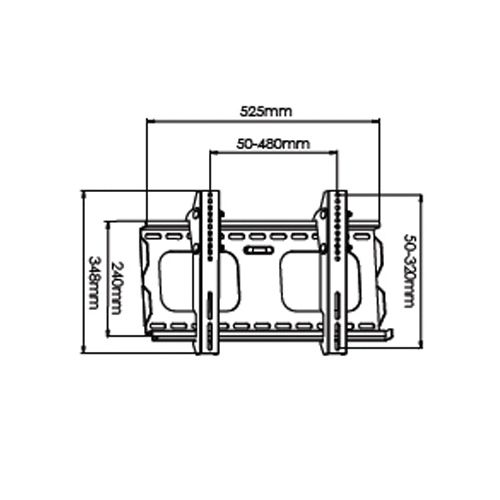
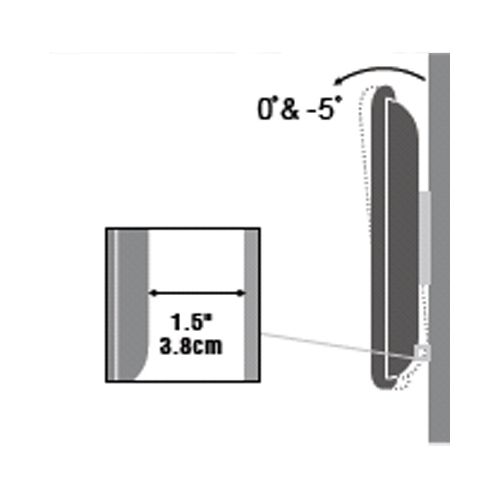
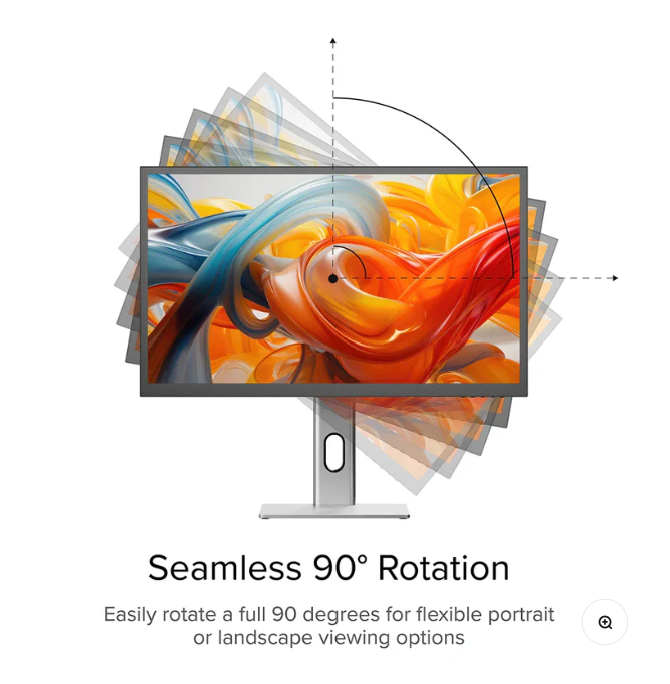
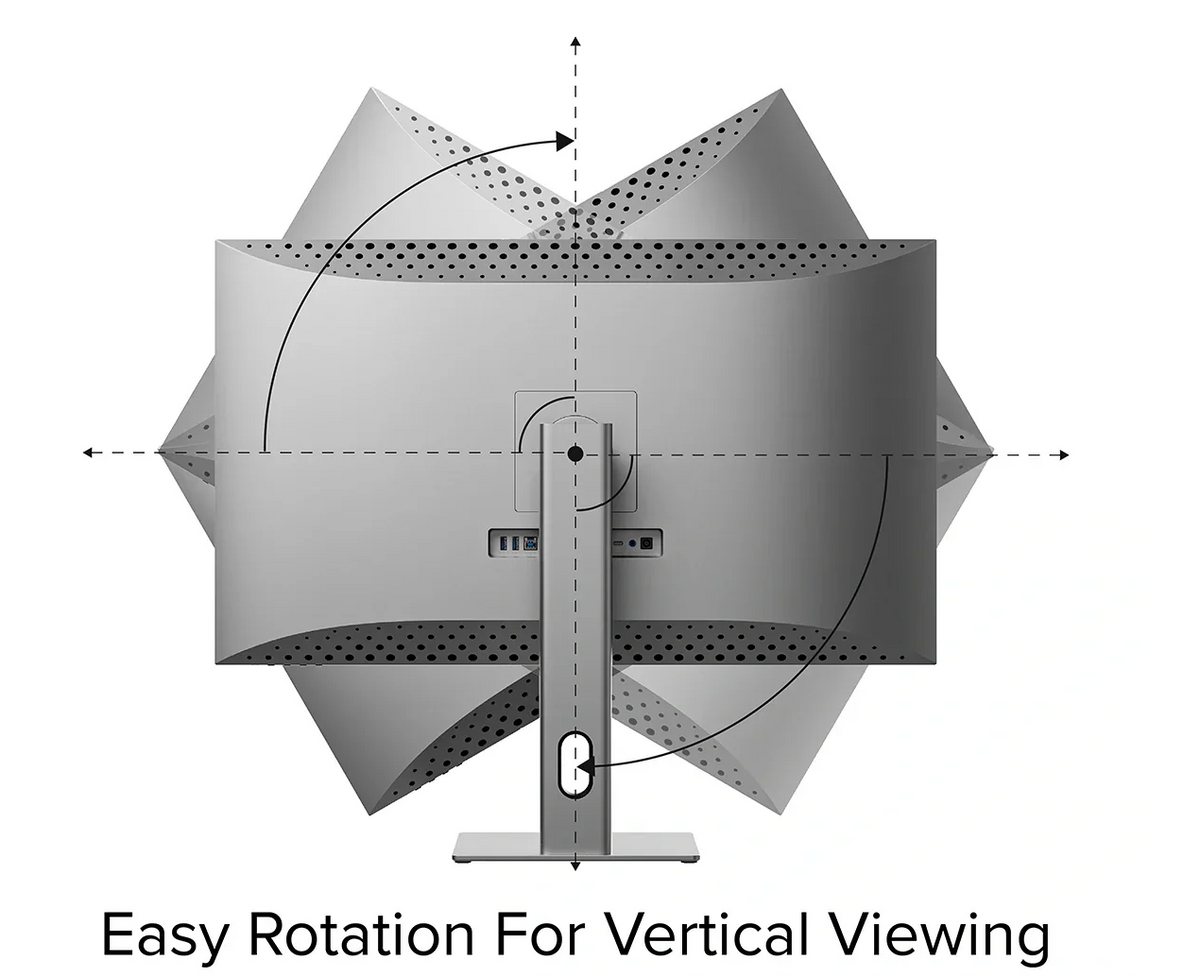
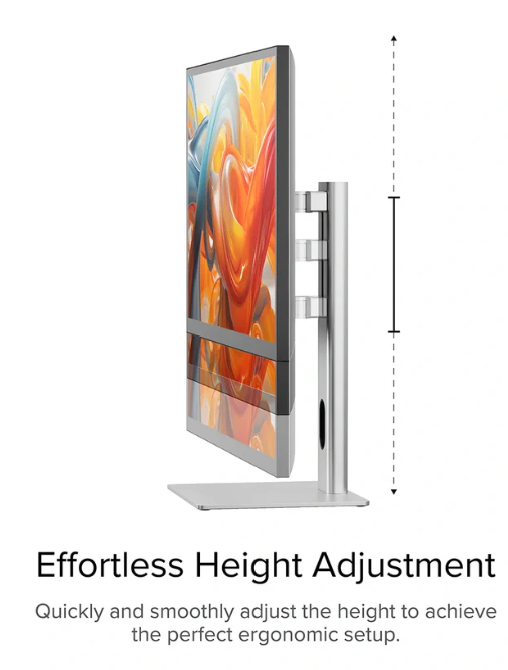
23 - 37 Inch Monitor Wall Mount
Choosing a PC
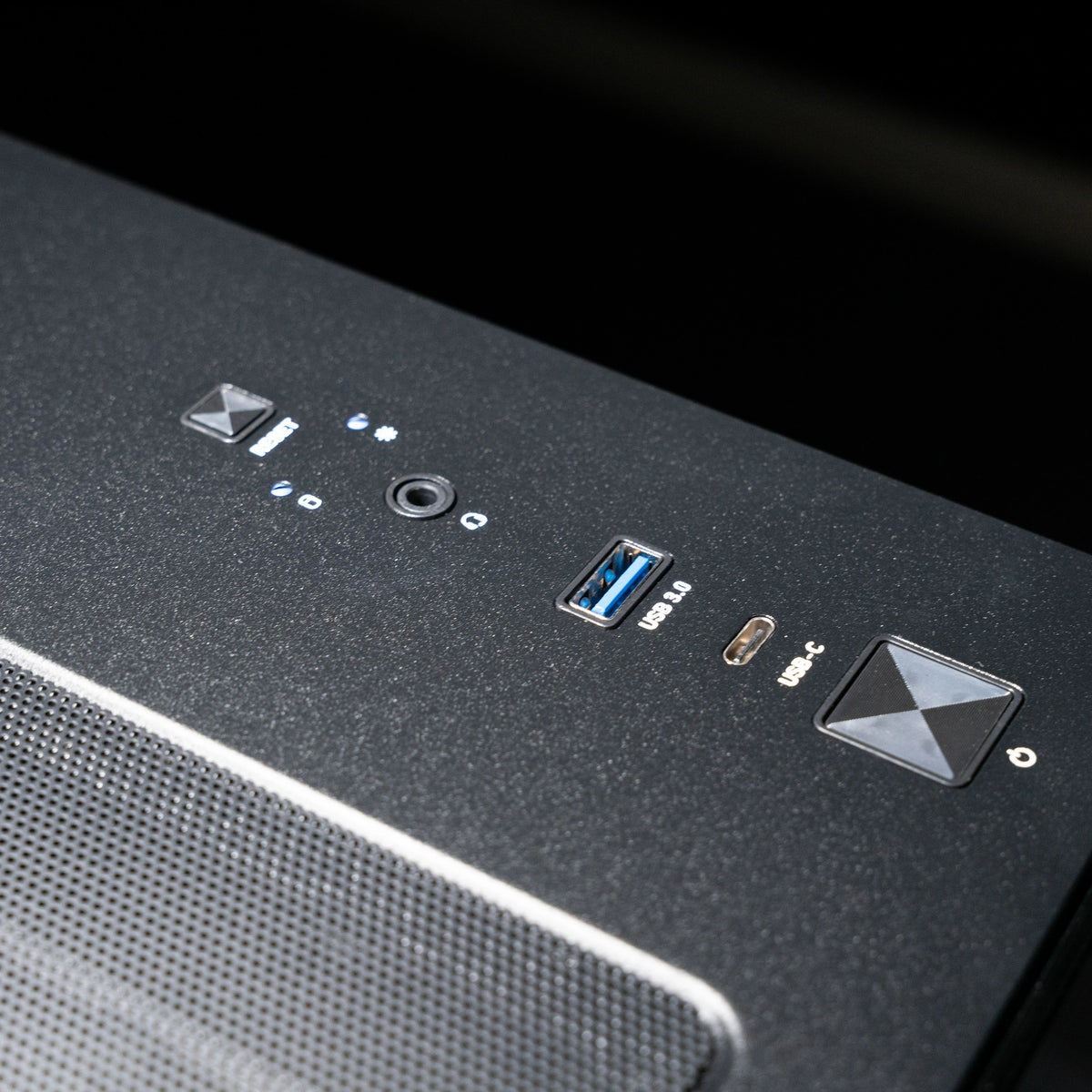
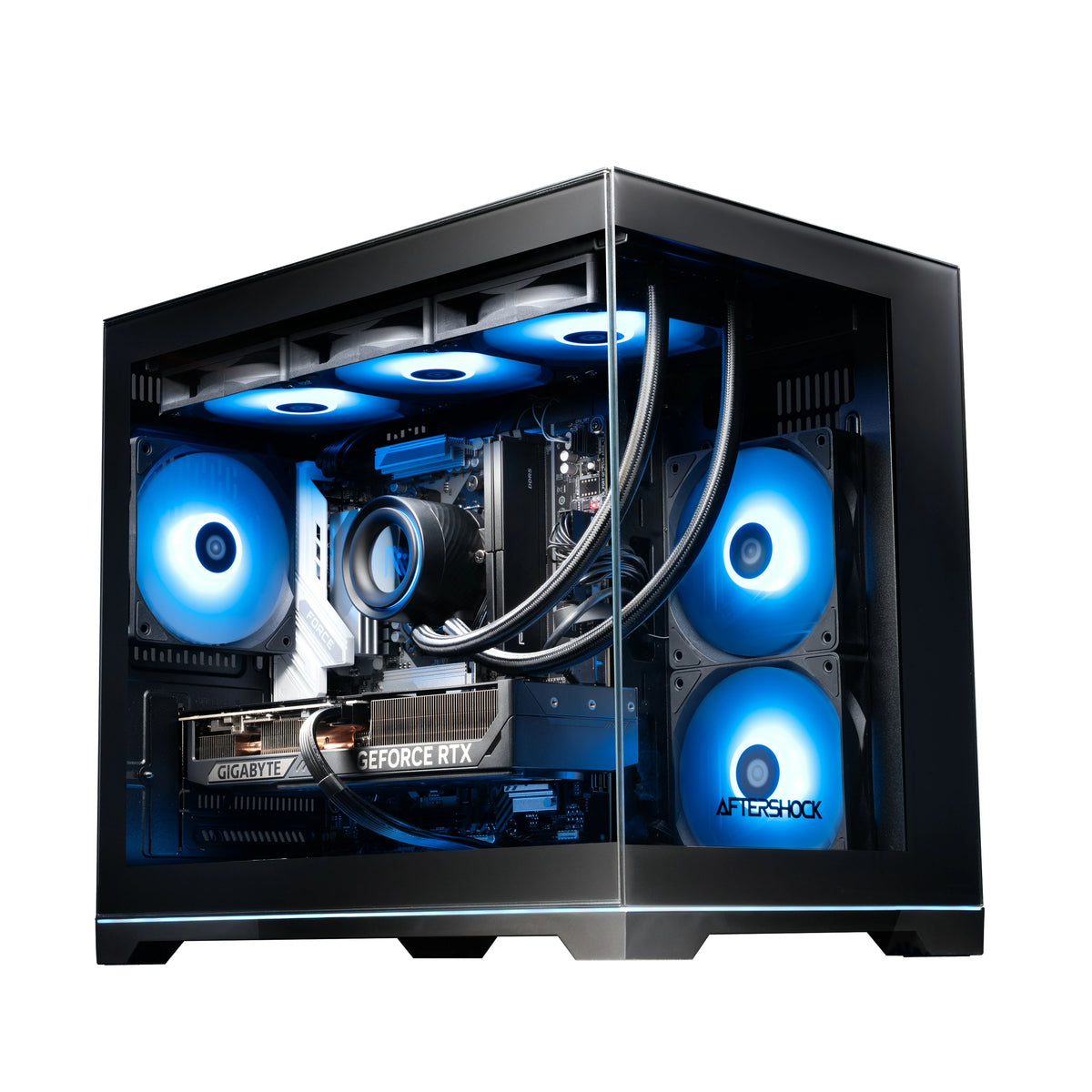
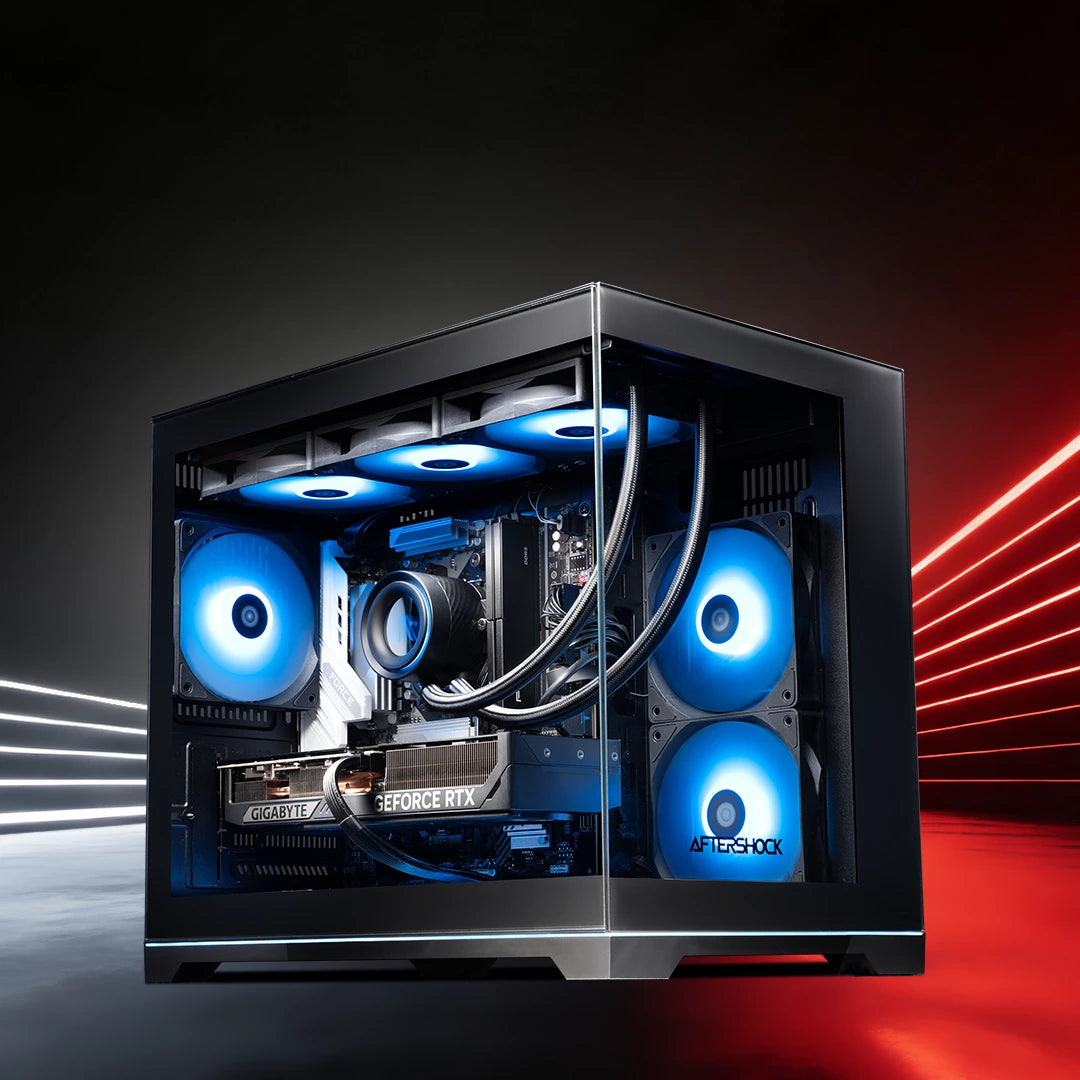
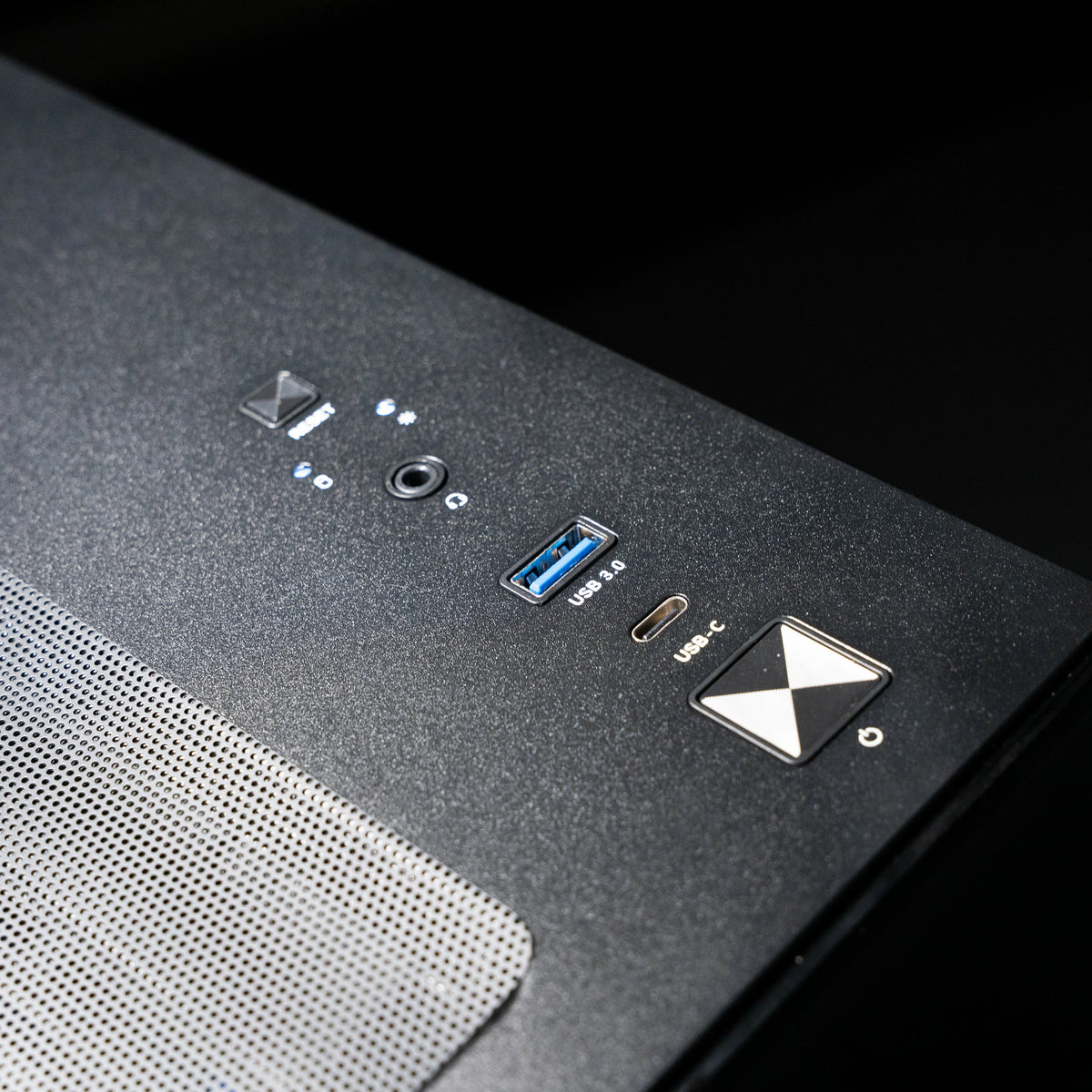
Your PC runs the simulator software, so it decides how smooth and detailed the course looks. Our three Golfsim PCs are built around the launch monitors and software we sell.
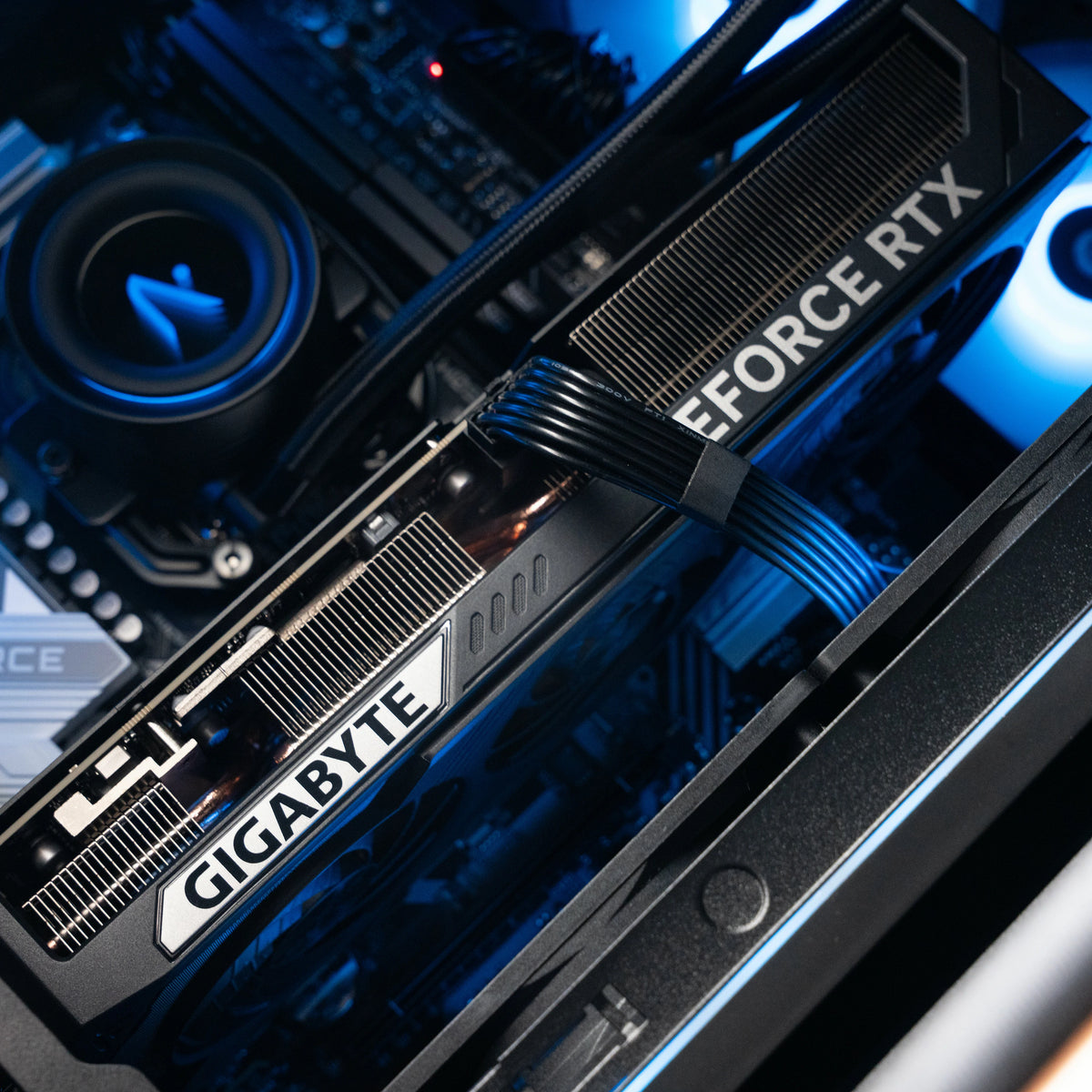
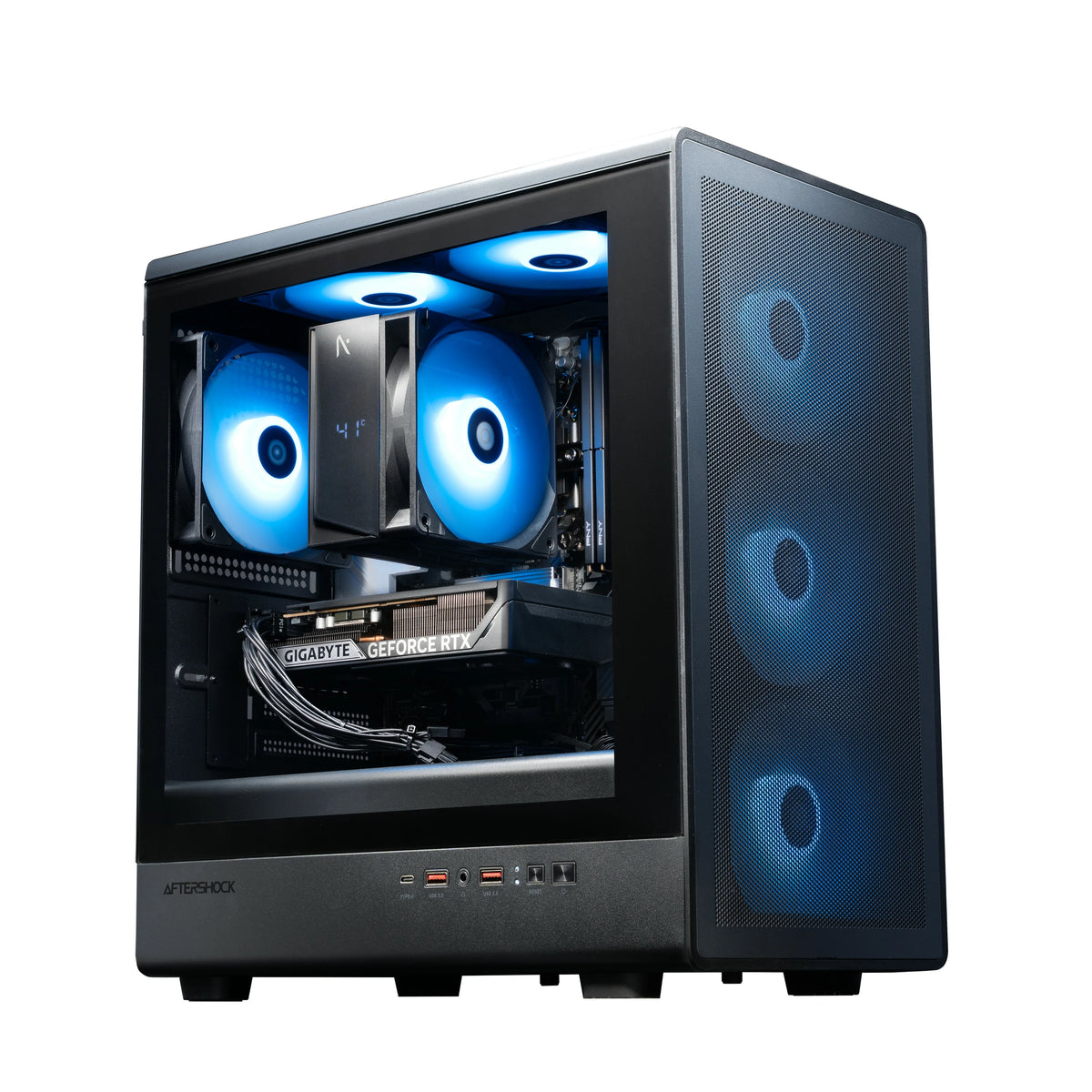
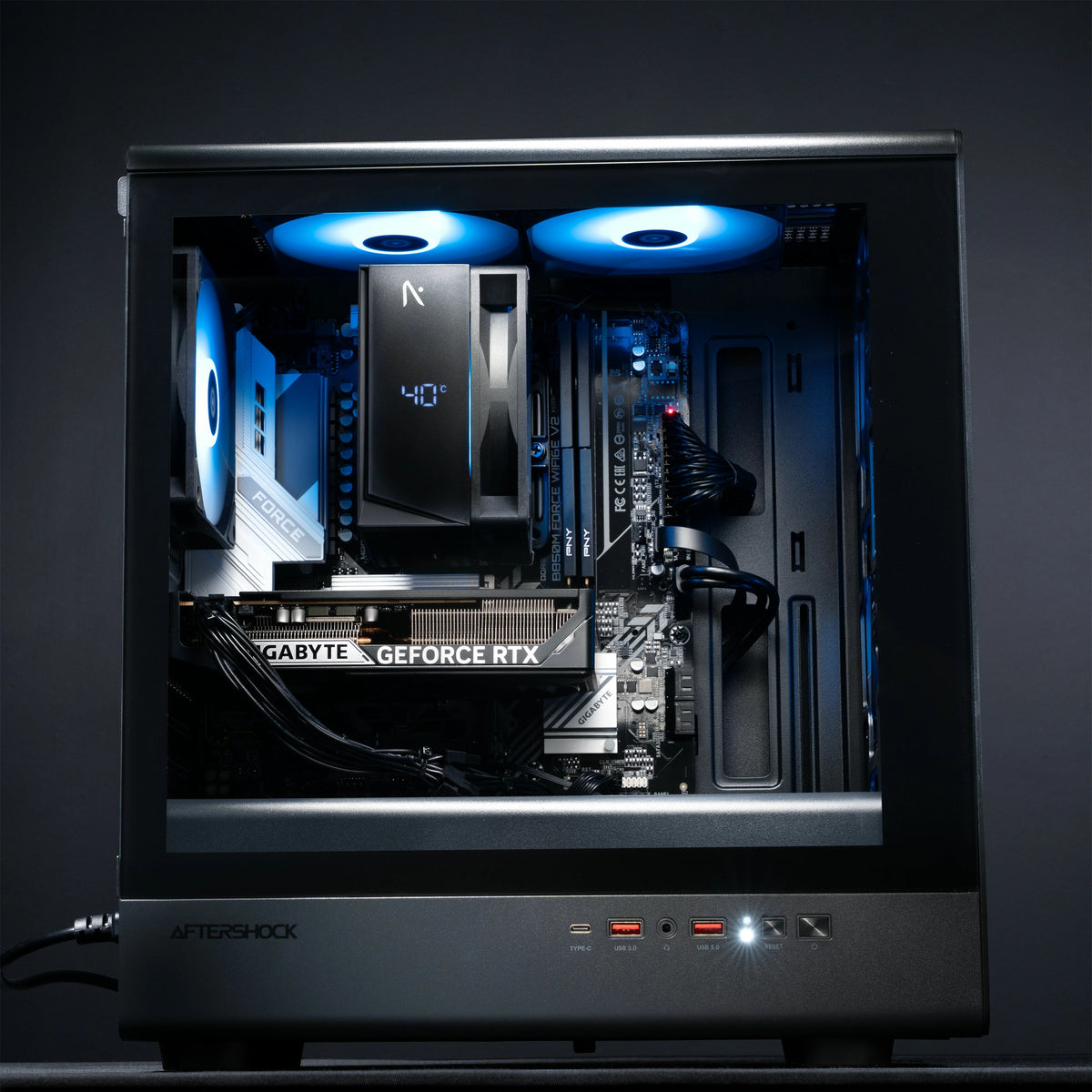
- Golfsim Core: AMD Ryzen 5 with an NVIDIA RTX 5060. Runs simulator software at 1080p and 1440p, with one touch screen and a projector. Suits Full HD projector setups.
- Golfsim Tour: AMD Ryzen 7 with an NVIDIA RTX 5070. Runs simulator software in 4K, including GSPro at high settings, with up to two touch screens alongside a projector. Suits 4K projector setups.
- Golfsim Elite: Intel Core Ultra 7 with an NVIDIA RTX 5080. Runs simulator software in 4K at the highest settings, with two side screens and a projector, and suits commercial and multi-bay setups. Trackman software only supports Intel processors, so this is the PC we recommend for Trackman.
Why a dedicated simulator PC
Simulator software needs a strong graphics card and the right drivers and settings. Our PCs arrive configured for golf simulator software, so you're not troubleshooting compatibility on install day.
Touch screens
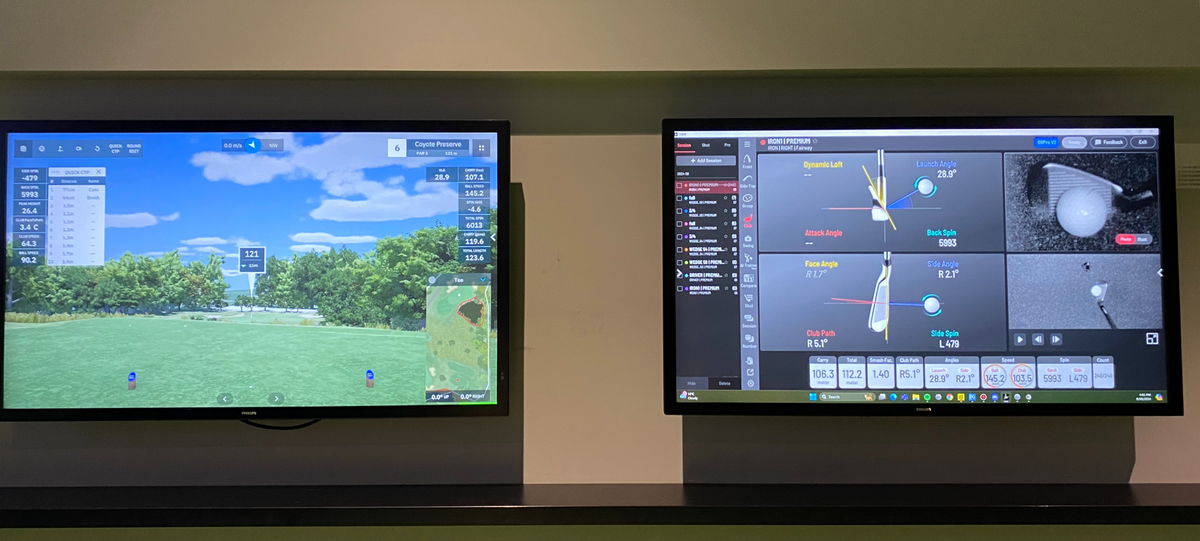
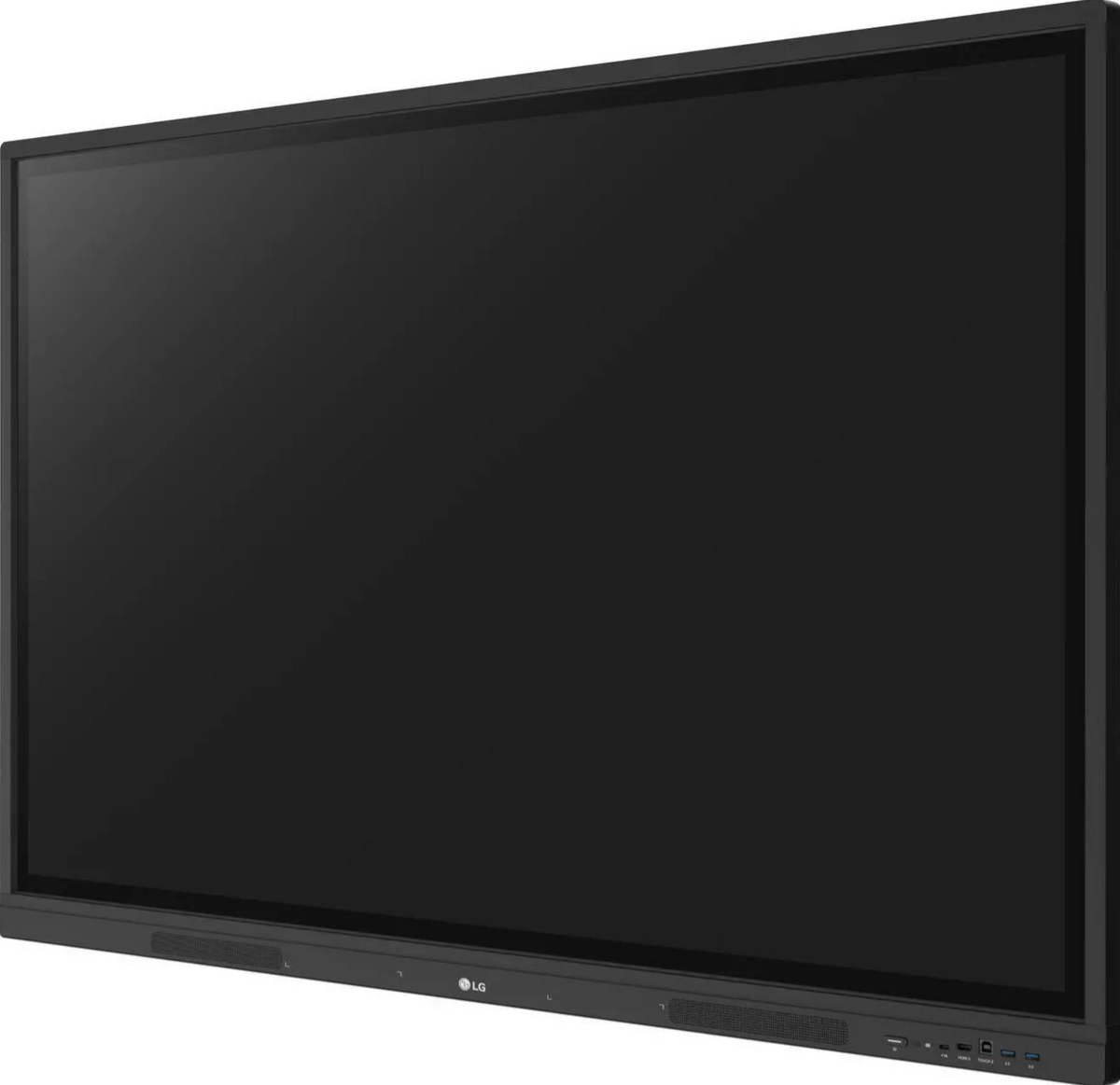
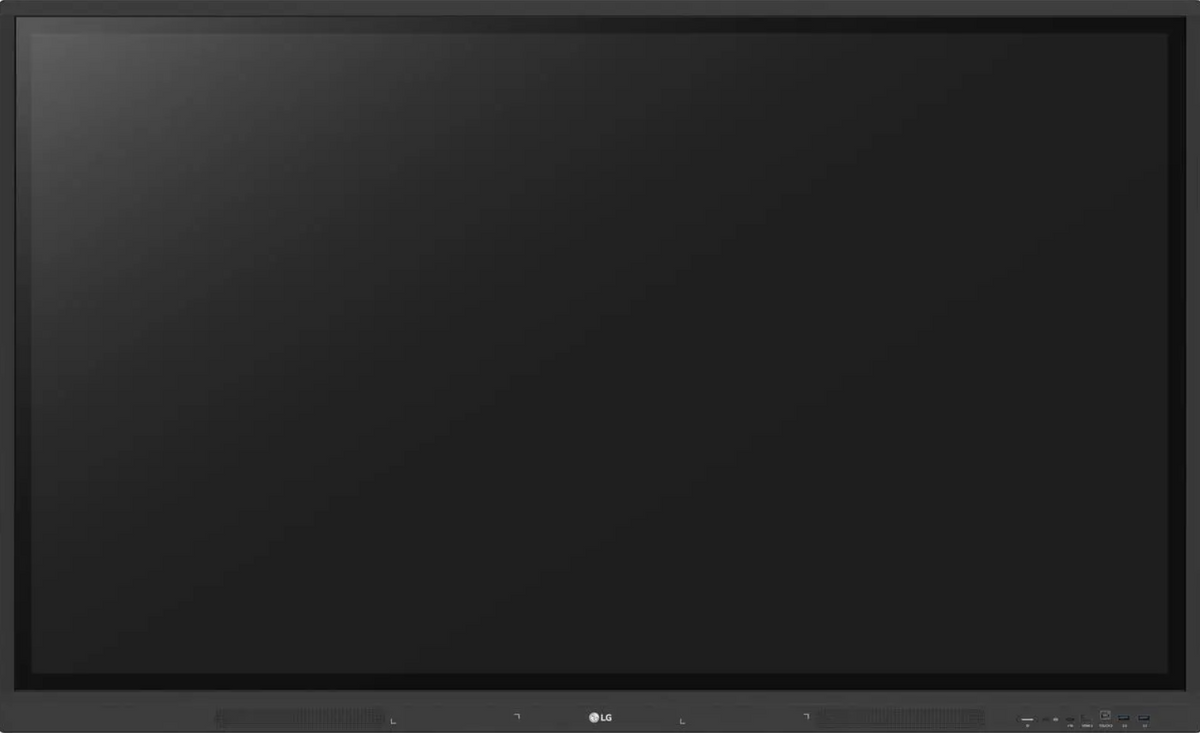
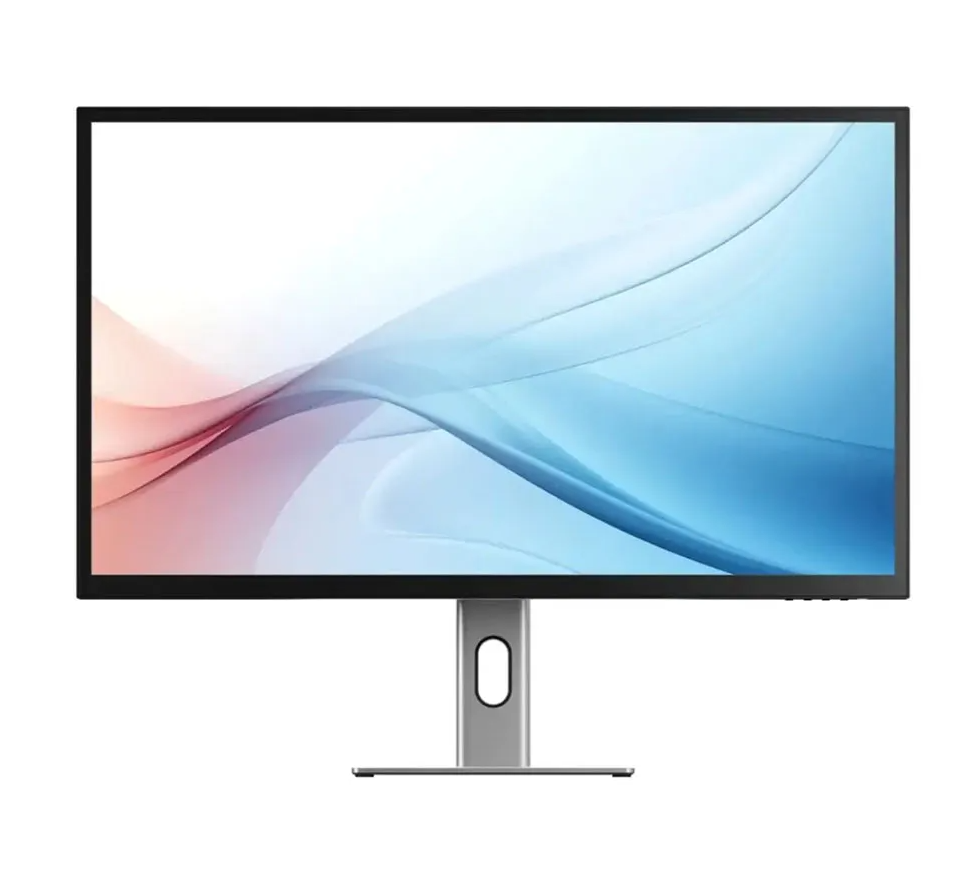
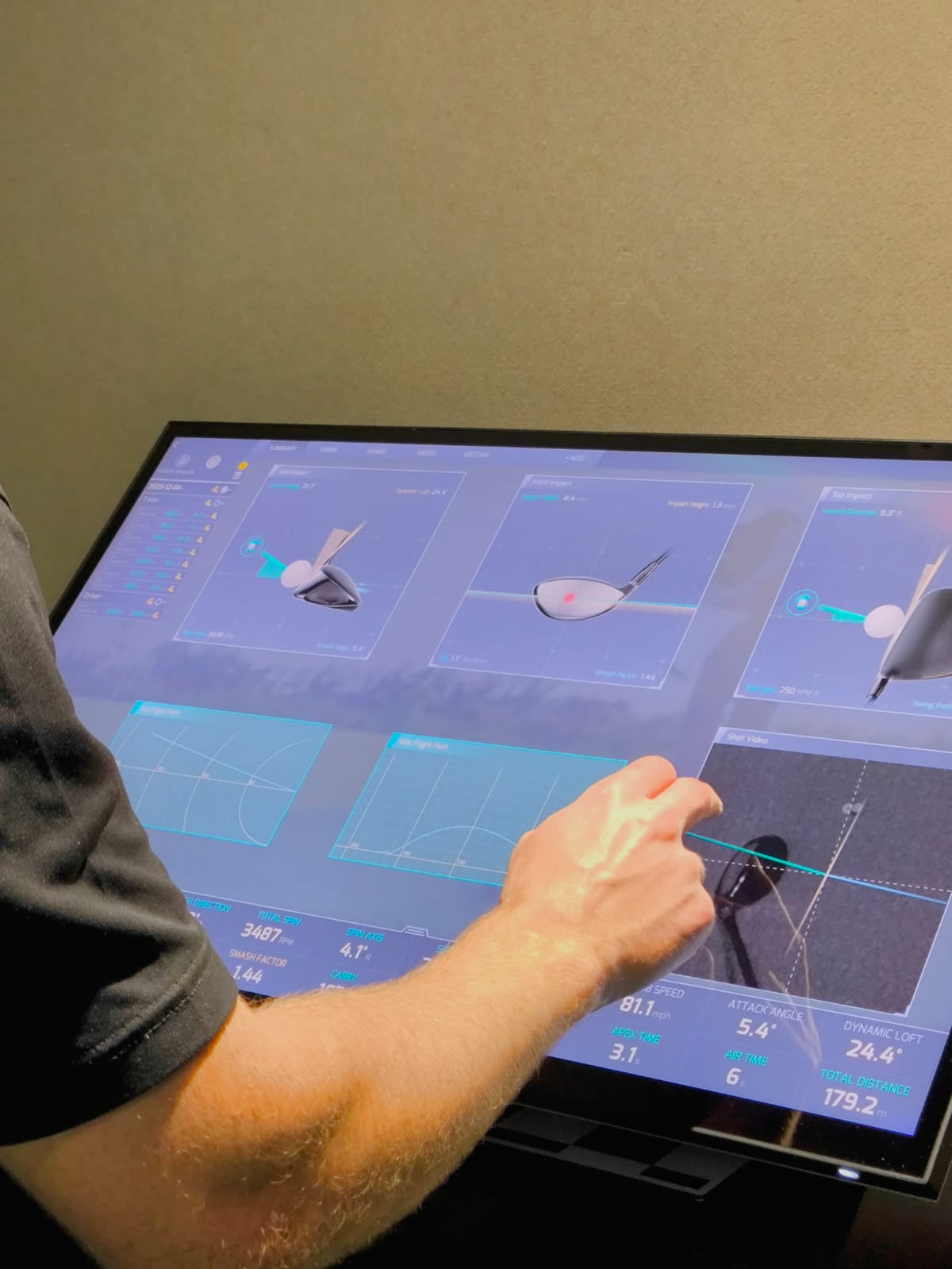
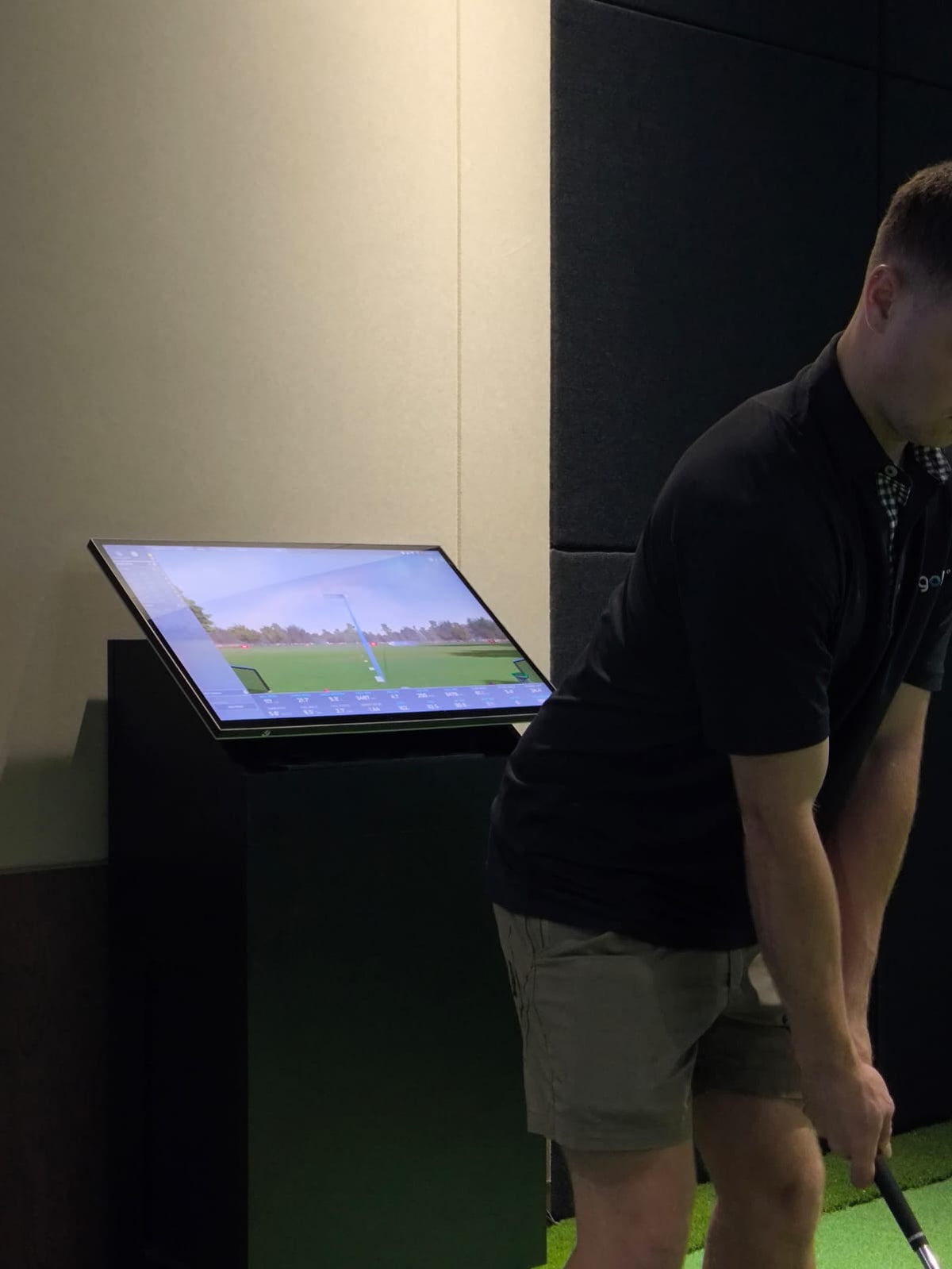
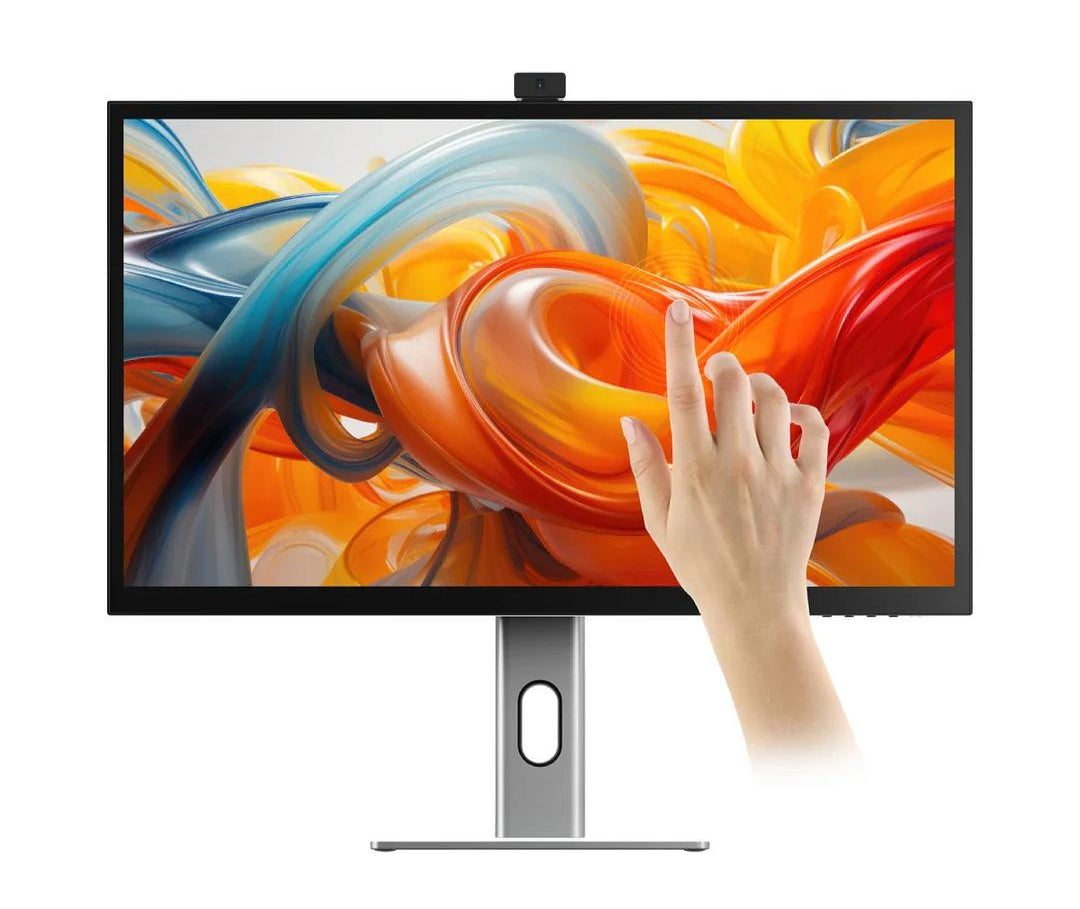
A touch screen lets you control the simulator from the hitting area, without walking back to a keyboard and mouse between shots. Our range covers desktop-sized ALOGIC screens through to the 43-inch Philips and 55-inch LG displays for wall or stand mounting.
Cabling
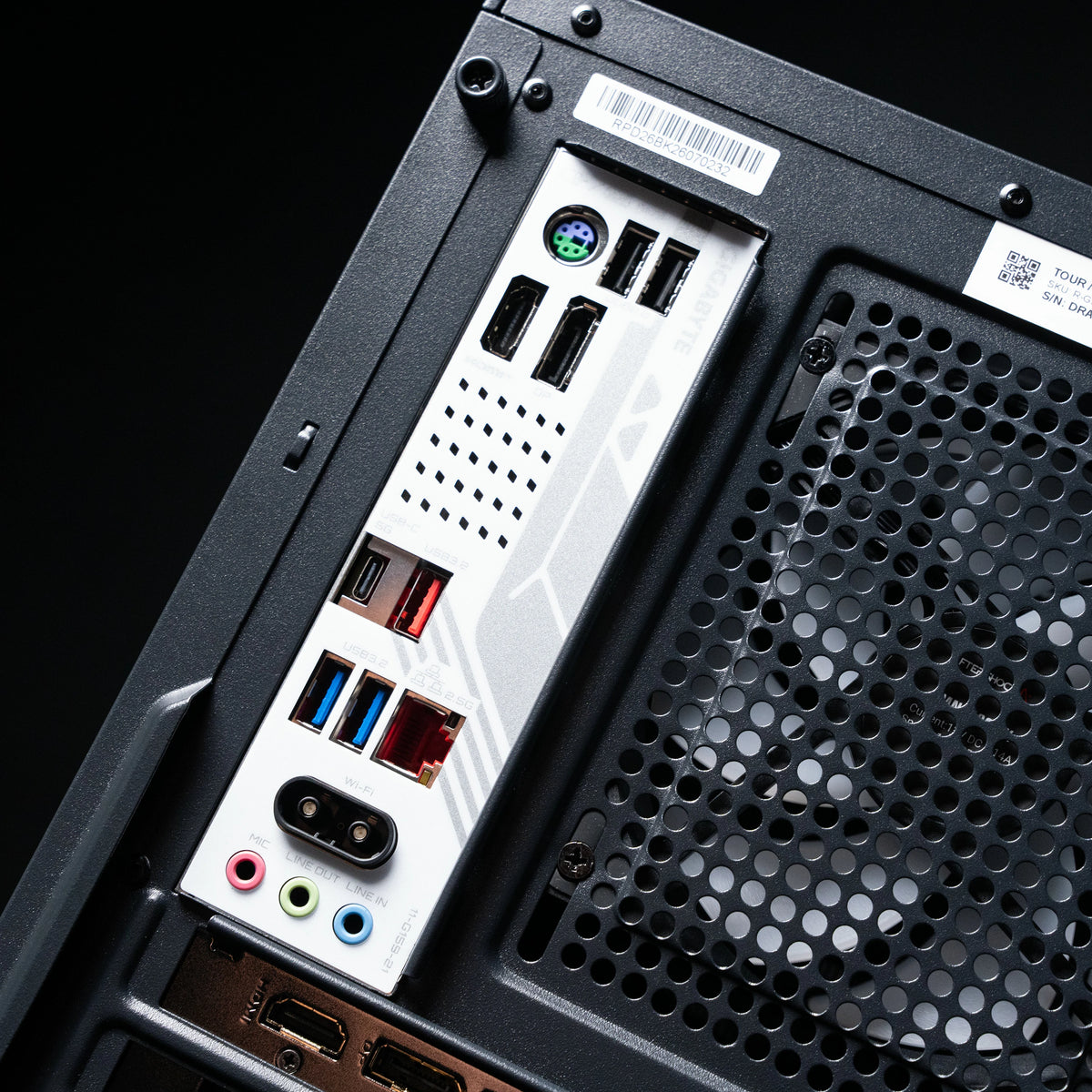
In most simulators the PC sits away from the projector, often with a long cable run through the ceiling. Standard HDMI cables can lose signal over longer distances, especially at 4K. Our Kramer active 4K HDMI cables boost the signal so the image stays stable over the full run.
FAQs About PC & Monitors
Can I use my own PC?
Yes, as long as it meets the requirements of your launch monitor and simulator software. Check the PC requirements on each launch monitor's product page. Trackman requires an Intel processor.
Which PC do I need for Trackman?
The Golfsim Elite. Trackman software only supports Intel processors, and the Elite is our Intel build.
Do I need a touch screen?
No, it's optional. A keyboard and mouse work fine. A touch screen makes it quicker to control the simulator from the hitting area.
Do I need an active HDMI cable?
For longer cable runs, usually yes. If your PC is a long way from the projector, an active cable keeps the signal stable, especially at 4K.